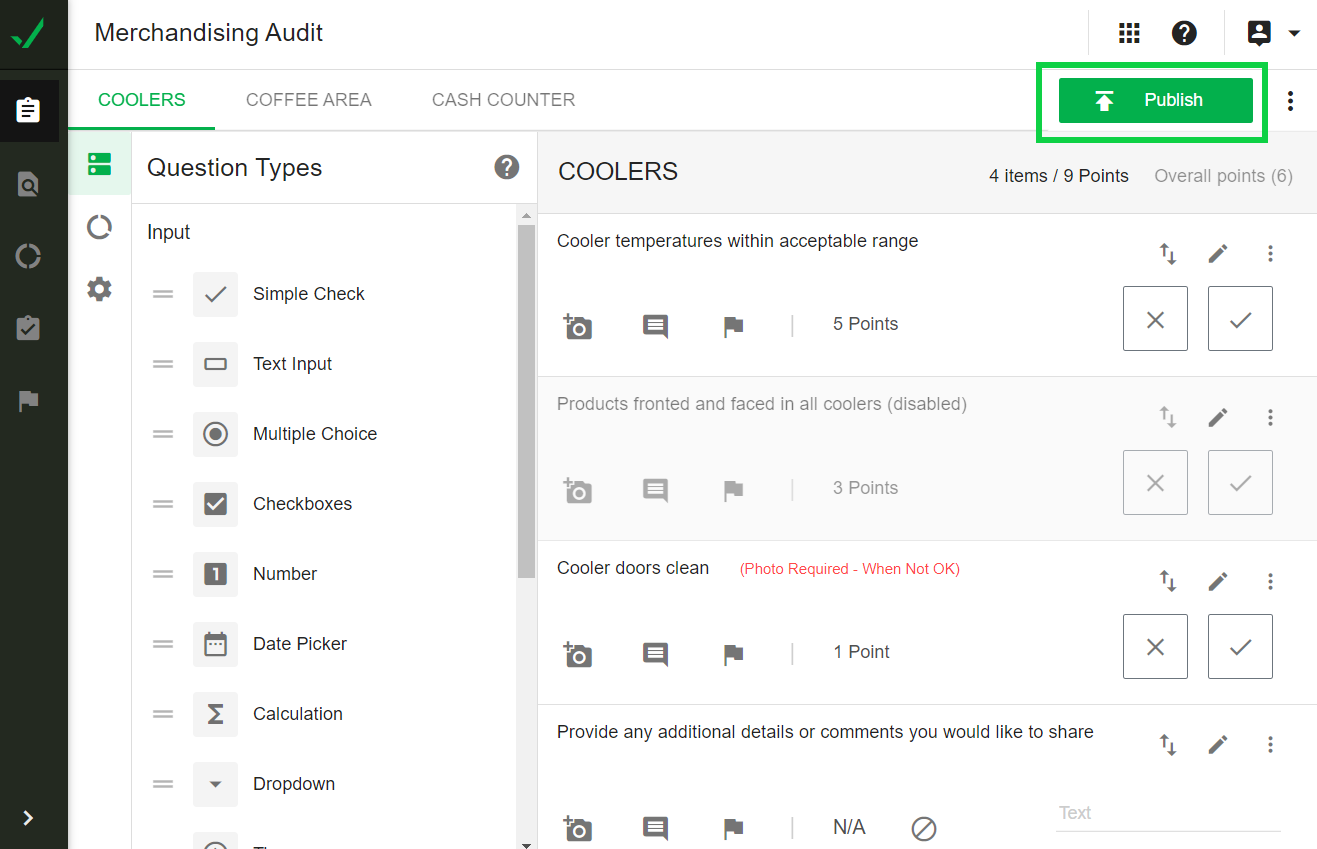
When a new checklist is created it must be published in order for the checker to see/select that checklist for checks.
Additionally, if changes are made to a checklist, it must be published so that checkers can use the current version of the checklist.
To publish a checklist, navigate to IntouchCheck.
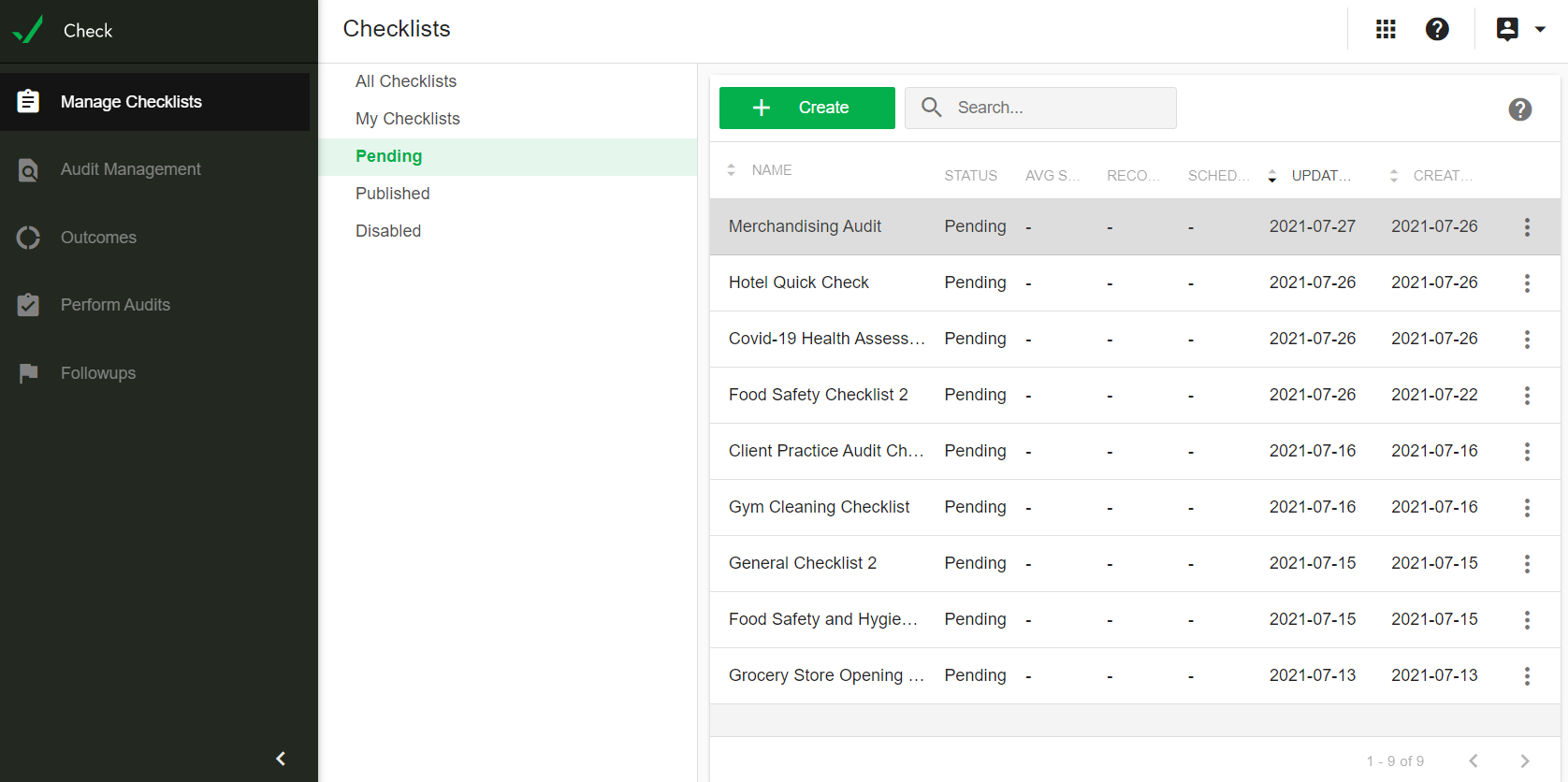
- Click on Manage Checklists in the navigation menu to go to the Checklists page, Under Pending - click on the checklist you would like to publish.
- You can also republish a checklist that has gone through an update.
- You can now publish the checklist using the publish feature at the top-right of the form input screen.