When you are entering data for a check on a mobile device, the screen layout will look different, depending on both the size of your screen and how you are holding the device.
For example, when you're holding the device vertically (i.e. portrait) you may not see the section summary and Review/Save buttons. But if you rotate the device horizontally (i.e. landscape) you will be able to see both.
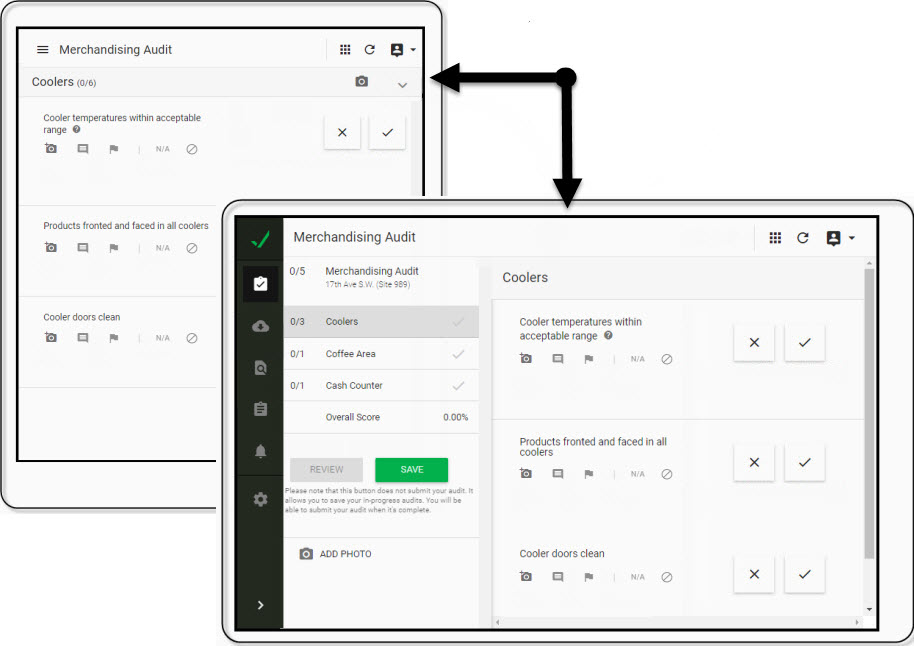
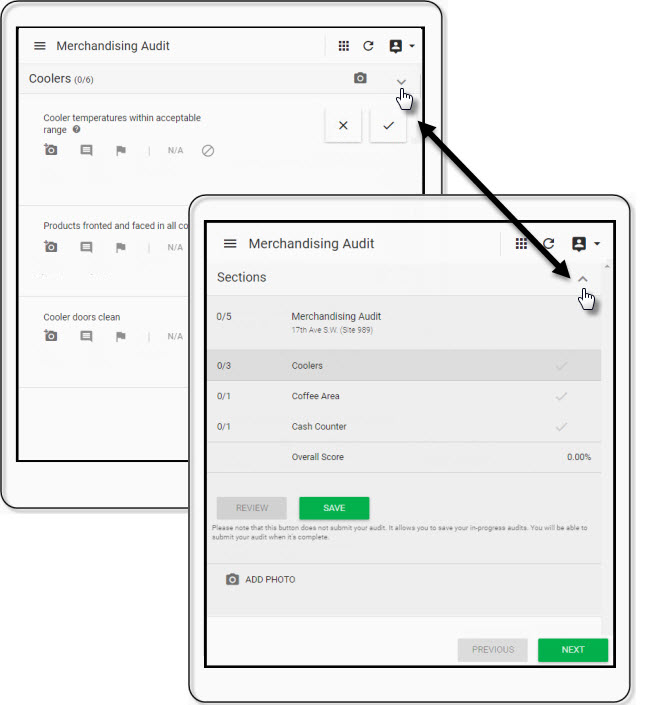
You can also switch your view to see the section summary and Review/Save buttons by tapping the \/ in the section header on the page.
Tap the /\ in the header to return to the data entry screen.
If you are working offline, the Save button will be disabled. Check data is auto-saved to the device you are using when you're in offline mode.