To easily review your entire checklist, you can print a copy (or save it as a PDF) using the print feature that is provided.
To access the checklist print feature, navigate to IntouchCheck.
- Click on Manage Checklists in the navigation menu to go to the Checklists page, and then click on the checklist to open the form input screen.
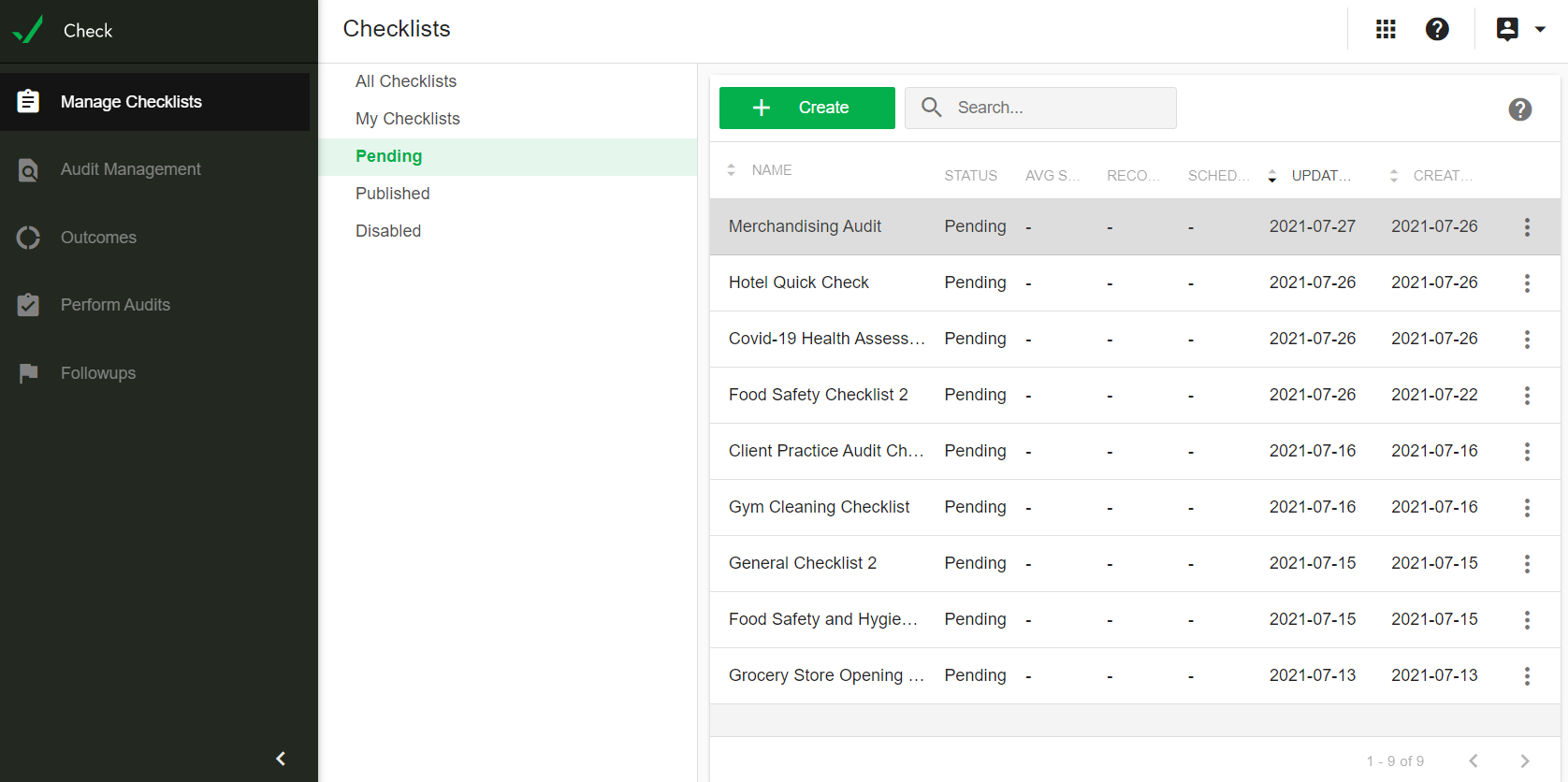
- On the form input screen, click on the three dot button on the top right of the page right next to the publish button and select the printer icon.

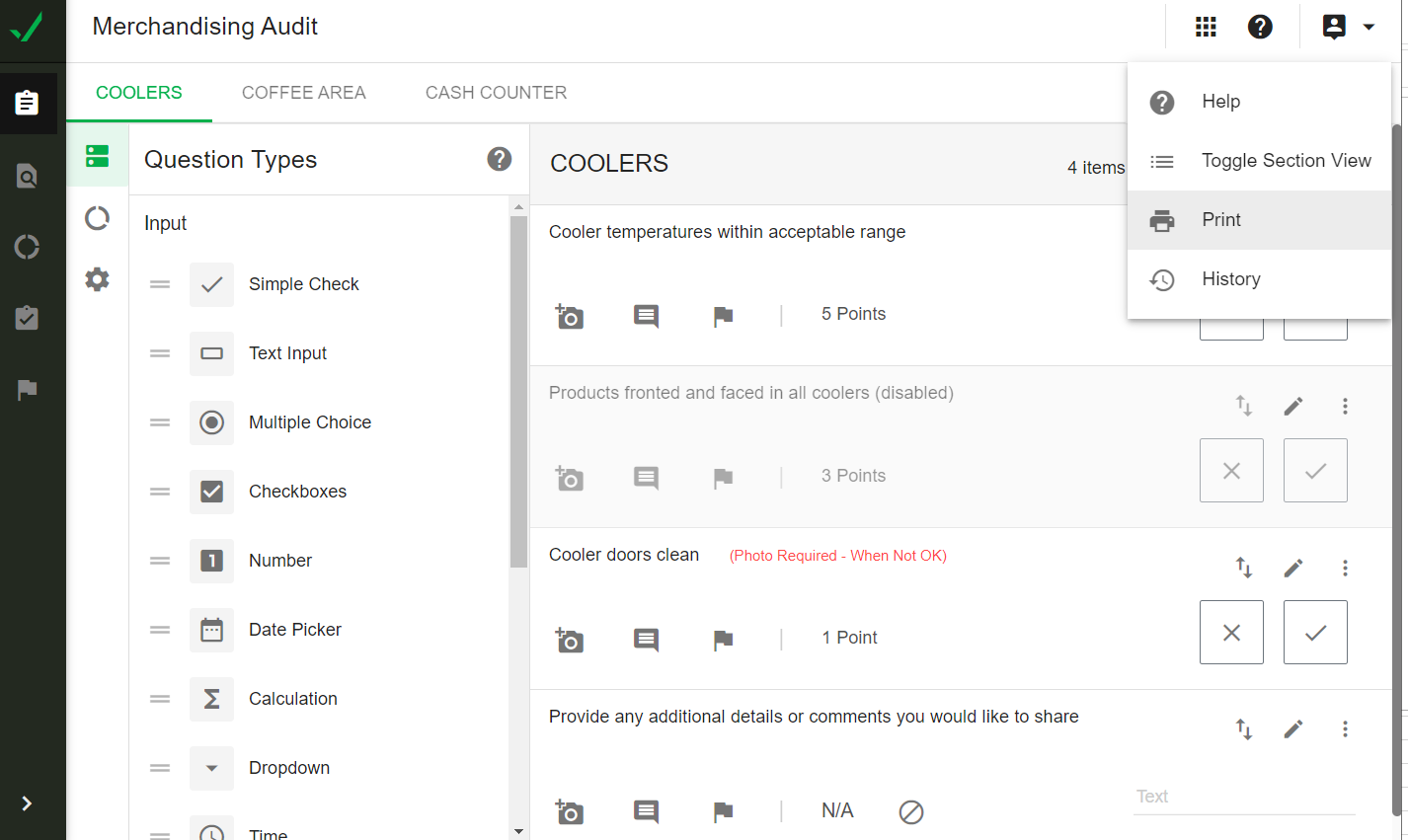
The print options you see will depend on which browser you are using and how your computer is configured.
For example, in Chrome, you will see something like this:
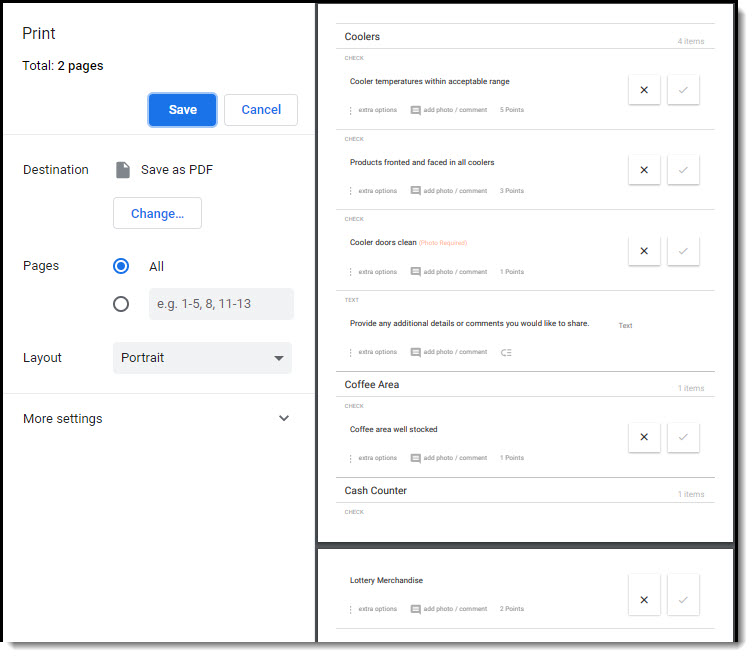
- Select your print preferences and then print your checklist.