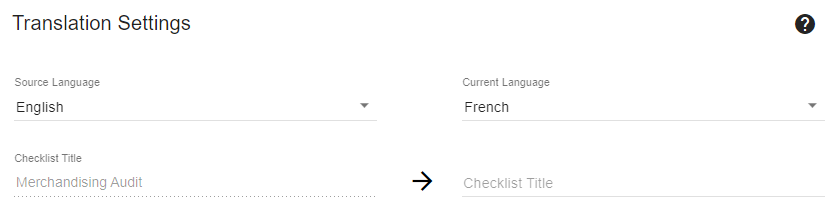
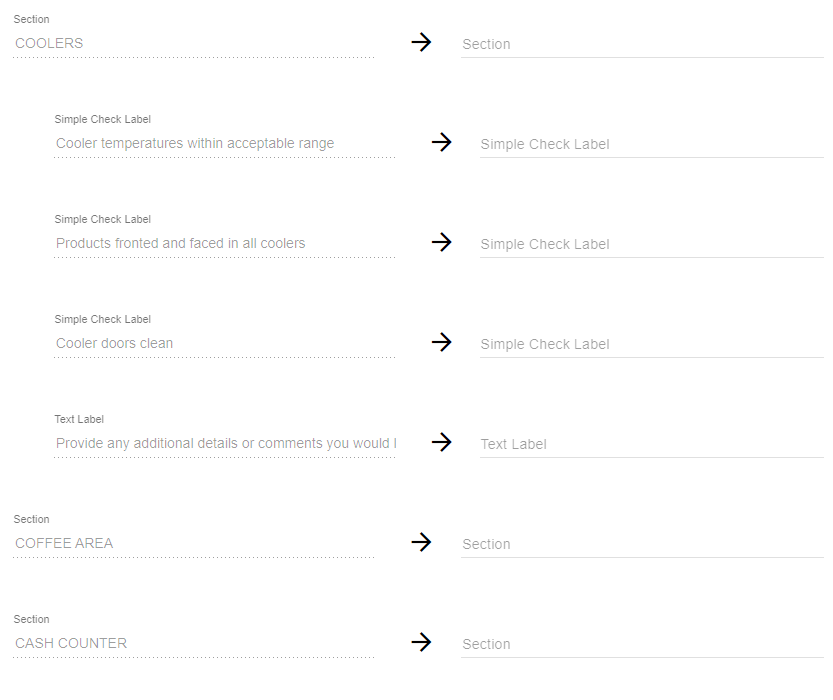
At this time, French and Spanish translations can be added to checklists.
To access the checklist translations, navigate to IntouchCheck.
- Click on Manage Checklists in the navigation menu to go to the Checklists page
- Click on the checklist to open the form input screen
- In the form input interface, click on the settings icon
- Click on Translations.
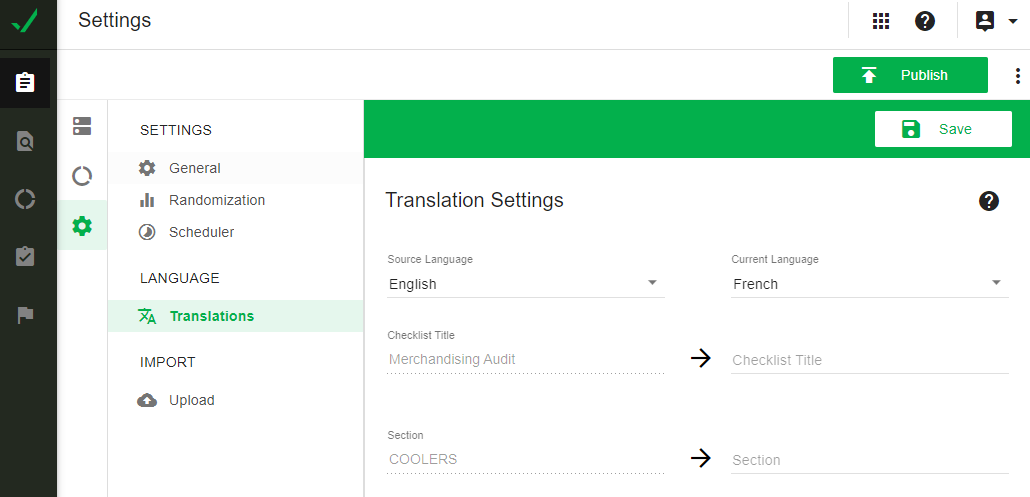
In the Translations interface:
- Select the language (English, French, or Spanish) you will be adding to the checklist.
- There will be a field to enter the translation for every section, question, and response on the checklist.
- You can also add translations for the additional instructions and example photos on a question.
After you have added your translations, click on Save.